Supported languages
Text answers
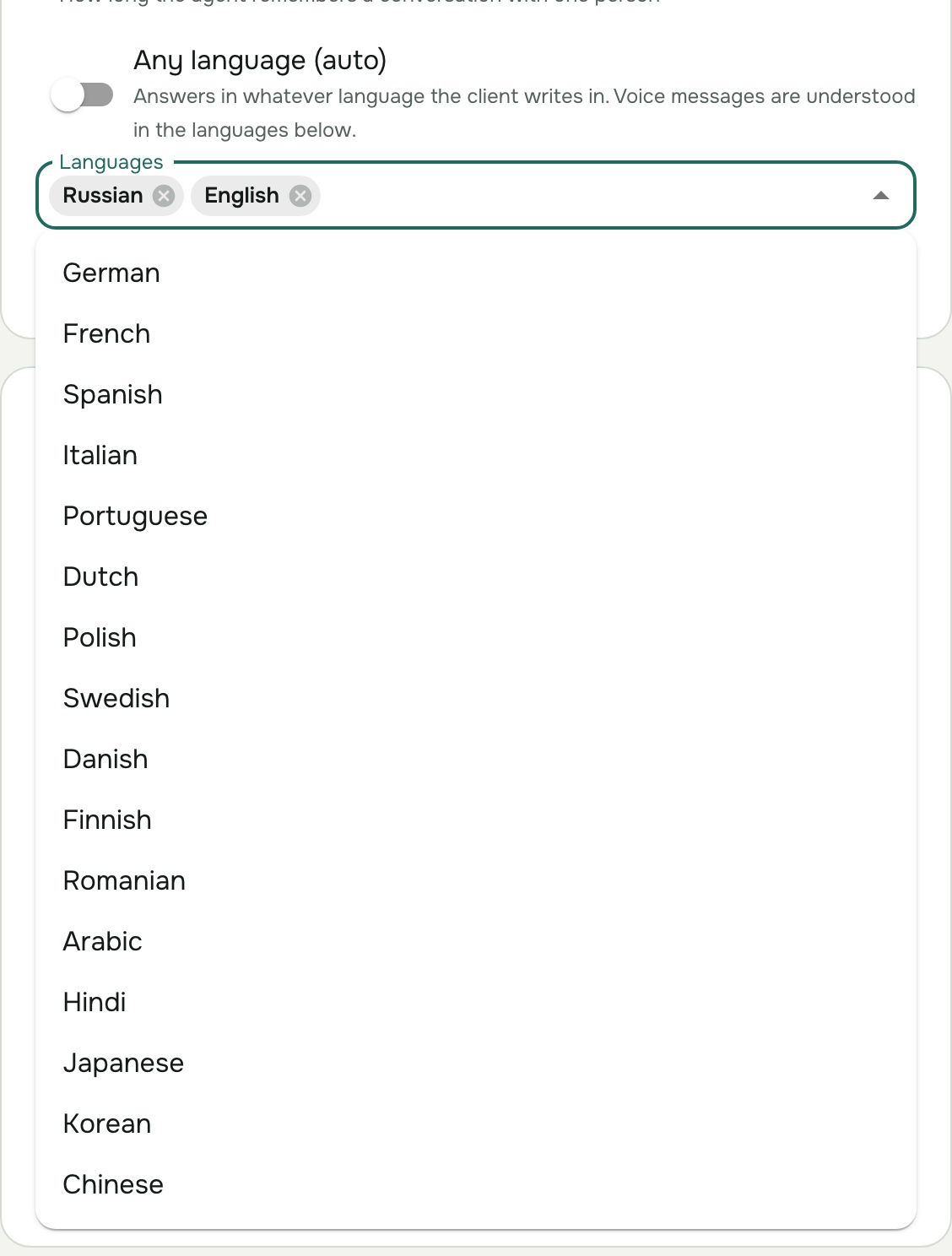
Agents answer typed messages in any language the AI model writes, which covers all widely used languages. On the agent's Settings tab, either turn on Any language (auto) to answer in whatever language each client writes, or list up to 5 Languages: the agent then answers in the client's language if it is listed, otherwise in the first one.
Voice messages (Telegram)
These 18 languages can be understood in voice messages and spoken in voice replies. Choose up to 5 for an agent; with several, the assistant recognises which one each client speaks. See Use voice messages in Telegram.
| Language | Understood as | Voice accents for replies |
|---|---|---|
| English | US English | US, British, Australian, Indian, Irish, New Zealand, Singaporean, South African, Welsh |
| Russian | Russian | Russian |
| German | German | German, Austrian, Swiss Standard German |
| French | French | French, Belgian, Canadian |
| Spanish | US Spanish | Castilian, Mexican, US Spanish |
| Italian | Italian | Italian |
| Portuguese | Brazilian Portuguese | Brazilian, European |
| Dutch | Dutch | Dutch, Belgian |
| Polish | Polish | Polish |
| Swedish | Swedish | Swedish |
| Danish | Danish | Danish |
| Finnish | Finnish | Finnish |
| Romanian | Romanian | Romanian |
| Arabic | Modern Standard Arabic | Modern Standard, Gulf |
| Hindi | Hindi | Indian |
| Japanese | Japanese | Japanese |
| Korean | Korean | Korean |
| Chinese | Mandarin | Mandarin |
"Understood as" is the variety voice messages are recognised in; other accents of the same language are usually understood too. The exact voices on offer are listed in the channel's voice picker, where you can listen to each one.
Audio and video in a knowledge base
Recordings you upload to a knowledge base are transcribed in English, Russian, Ukrainian, German, French, Spanish, Italian, Portuguese, Polish and Turkish, detected automatically or set by you. See Add audio and video.
The console
The AOVA console itself is available in English and Russian; switch with the language button at the top right.