Build a knowledge base
A knowledge base is a collection of sources — uploaded files or folders — that your agent can pull answers from. Besides documents, you can upload audio and video recordings, which are transcribed to text automatically. See Add audio and video.
Upload a file
- Open your project and go to its knowledge base.
- Click Upload, then drop a file or browse for one.
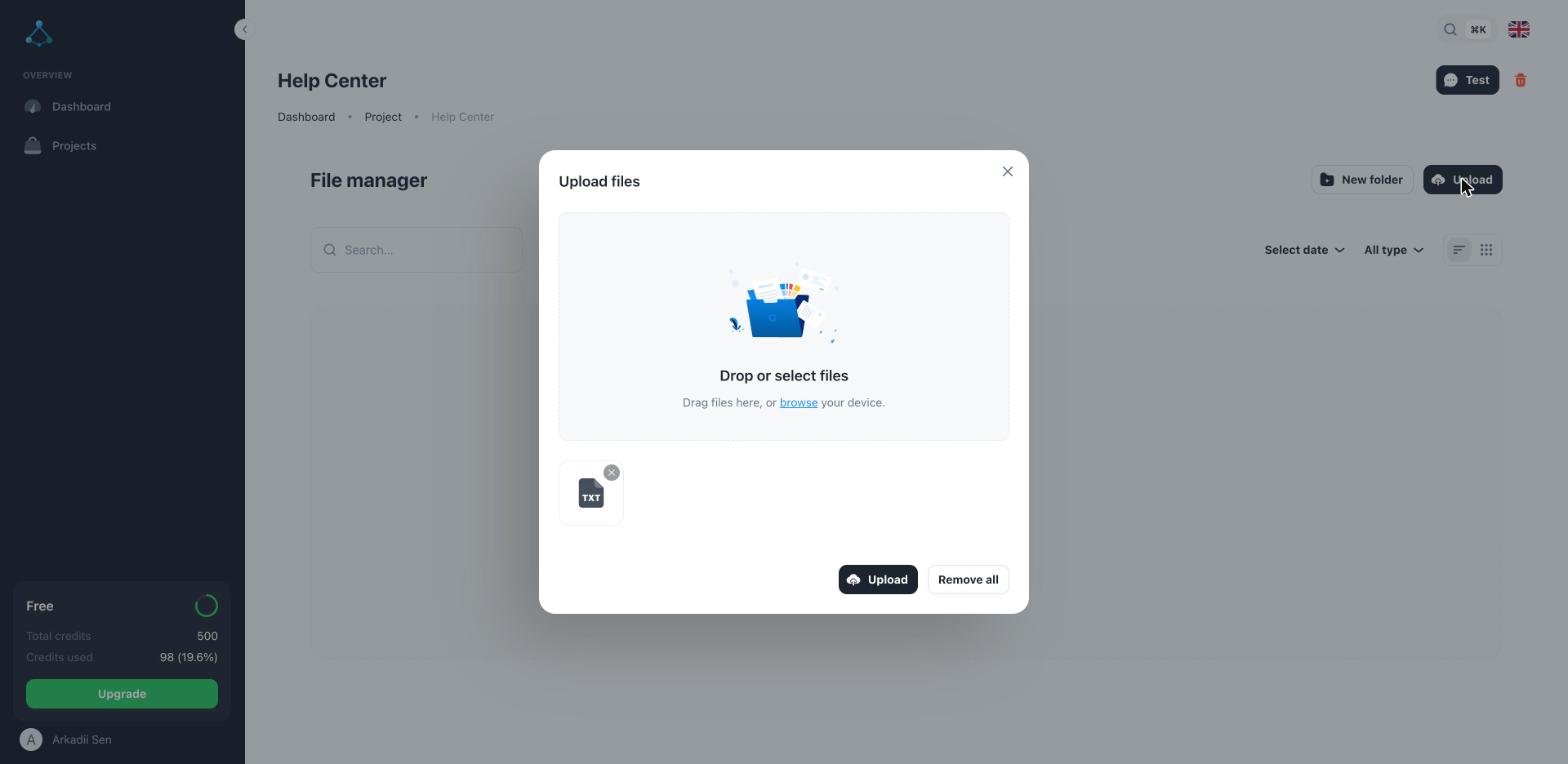
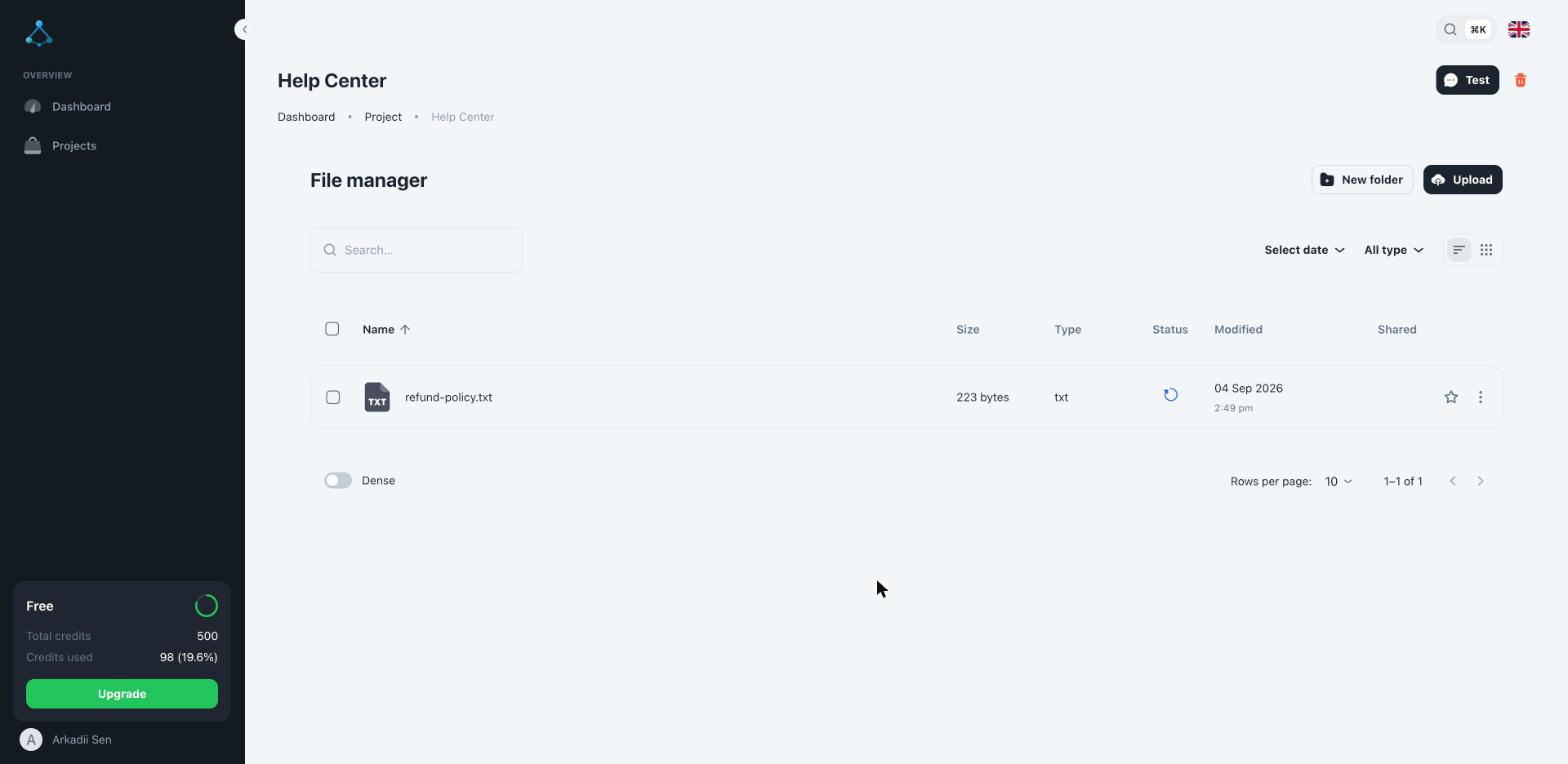
- Wait for the file to finish processing before relying on it in chat — large or numerous files take longer to index. A spinning icon in the Status column means it's still being indexed.
Organize with folders
If a knowledge base holds many files, group related ones into folders so they're easier to manage. Every knowledge base has one default source; new uploads and folders go there unless you create additional sources.
Update or remove content
- Re-upload a file to replace its content — the agent picks up the new version once it finishes processing.
- Delete a file or folder to remove it from what the agent can answer from. Deletion cascades: removing a knowledge base removes everything inside it.
Troubleshooting
- A new file isn't showing up yet — indexing runs in the background and can take a few seconds to a couple of minutes depending on file size. Refresh the page.
- The agent doesn't use a file you uploaded — confirm the file belongs to the knowledge base your agent is actually connected to (an agent uses exactly one knowledge base).