Manage projects and your account
Projects
A project groups the agents, knowledge bases and conversations of one practice, course or product. Your first project is created when you sign up. Open Projects in the side menu to see them all.
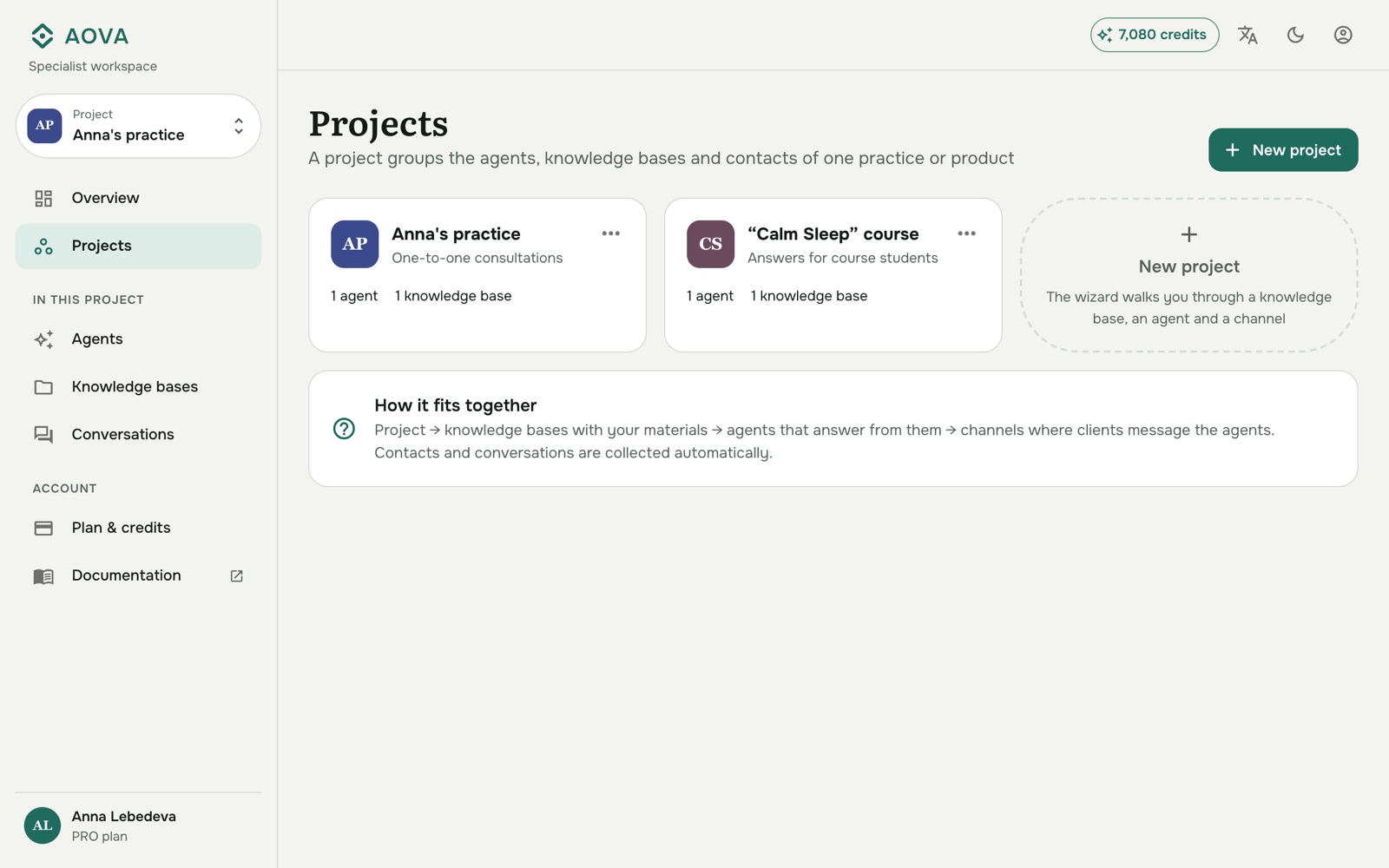
- New project opens the setup wizard, which walks you through a knowledge base, an agent and a channel for the new project.
- Switch projects with the switcher at the top of the side menu. Agents, Knowledge bases and Conversations always show the project picked there. Overview covers all projects together.
- ⋯ → Edit name and description on a project's card renames it.
- ⋯ → Delete deletes the project with everything in it. The dialog lists what goes with it, and for a project that has content you type its name to confirm.
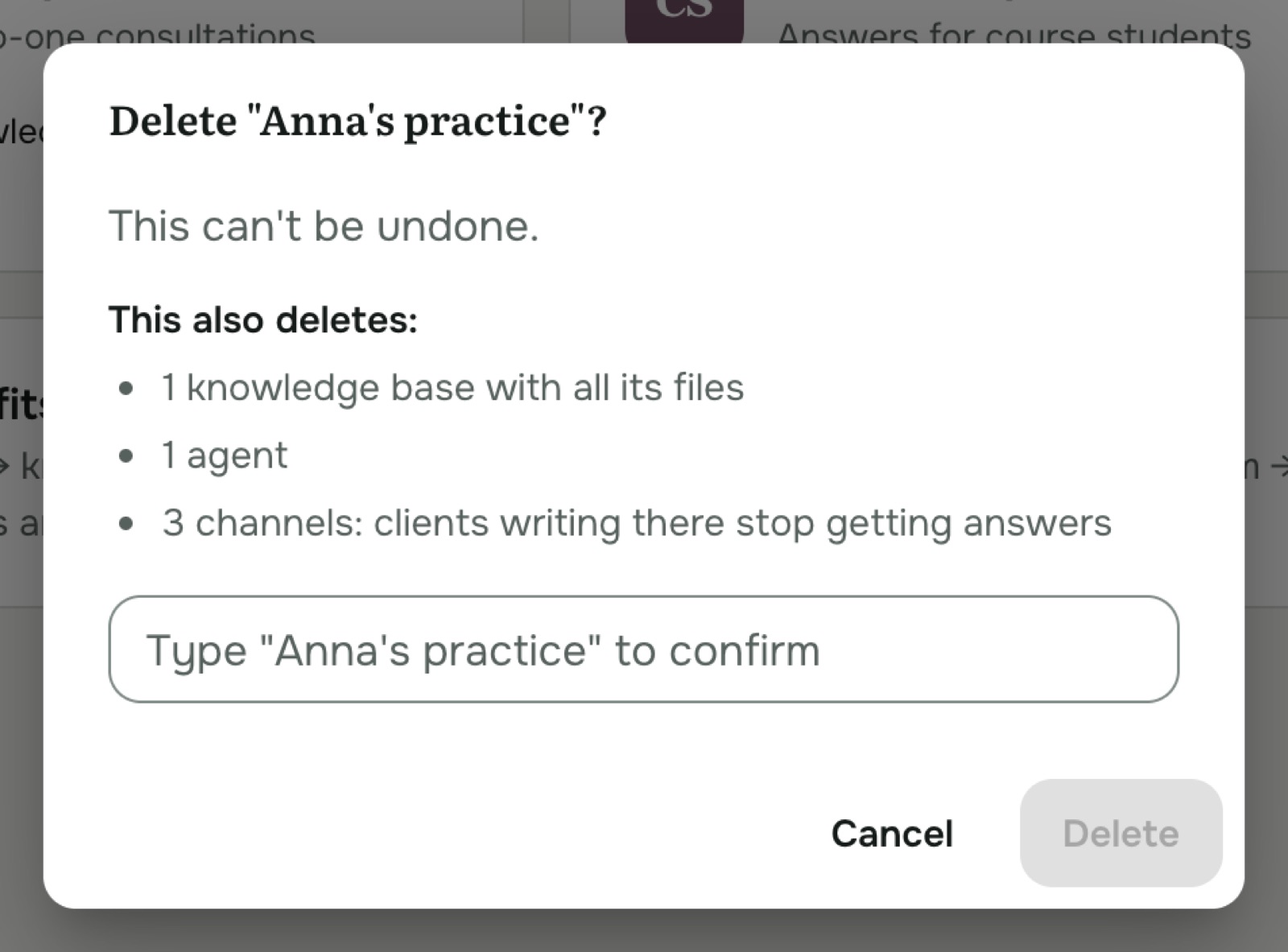
See What deleting something removes.
Your account
Click the account icon at the top right to Sign out. Next to it:
- the language button switches the console between English and Russian;
- the moon/sun button switches between light, dark and your system's theme.
Forgot your password
On the sign-in page, click Forgot password?, enter your email, and set a new password with the code we send you.